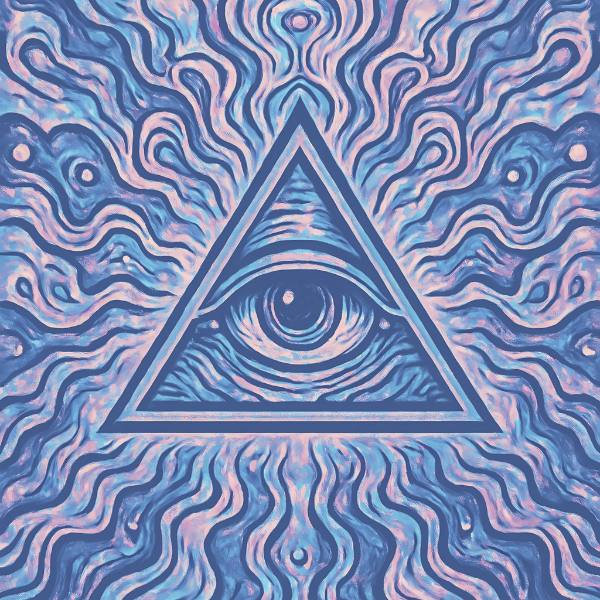
Lunar Bloom is a colour grade in FRCTL, the browser VJ studio. Moonlit periwinkle rising into lavender and white.
Runs live on video, images, a camera or generated art. Stack it with any other effect, and route LFOs, envelopes or any of ten audio bands to its controls so it moves with the music.
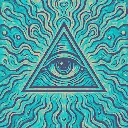
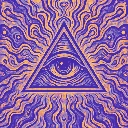
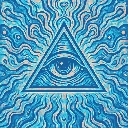
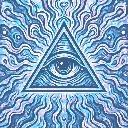
A soft, nearly single-hue grade: periwinkle shadows lift to pale moonlight blue and a lavender-white top. Shift twists the colour channels only where the source is blue, which tints those areas pink, so the demo art's teal picks up rose flecks. Glow spreads the lavender-white down through the mids, and Shadows lightens the floor toward pale blue.
Using Lunar Bloom
Where it works
Ambient intros, night-time drone shots and gentle Reels where contrast should stay low. It's the calmest grade in the Cool band, softer and less saturated than Cyanotype Pop, so type laid over it stays easy to read.
With the music
Nothing moves in the grade by itself. Try B9 air on Glow so the brightest areas bloom lavender on cymbals, and a slow free LFO on Shift drifting pink in and out of the blue areas.
Starting point
Shadows at centre, Glow three-quarters, Shift a quarter, then raise Shift until pink just starts showing in blue areas.