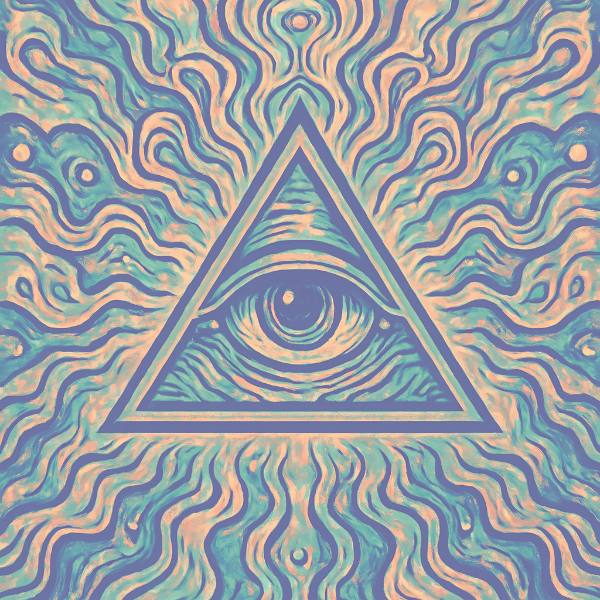
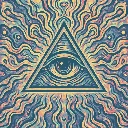
Molten Pastel is a colour grade in FRCTL, the browser VJ studio. High-key lavender and mint melting into peach and cream.
Runs live on video, images, a camera or generated art. Stack it with any other effect, and route LFOs, envelopes or any of ten audio bands to its controls so it moves with the music.
The most high-key grade in the Warm band. The base colour is picked by the green channel, so green and teal areas go mint while reds and magentas sit on lavender, then brighter tones melt into peach and a cream sheen. Lavender moves that lavender-mint split, Peach spreads peach down through the mids, and Cream only lays sheen on the highlights.
Using Molten Pastel
Where it works
Soft merch mock-ups, dreamy Reels and daytime festival content where heavy blacks would feel wrong. Skin lands in peach and foliage turns mint, so outdoor footage reads like a pastel print.
With the music
The shader has no beat or spectrum input. Try B8 hats on Cream for a sheen that shimmers with the hi-hats, or a free-running LFO on Lavender so the mint and lavender split drifts slowly.
Starting point
Lavender at centre, Peach three-quarters, Cream a quarter, then ease Peach back if faces lose their shape.