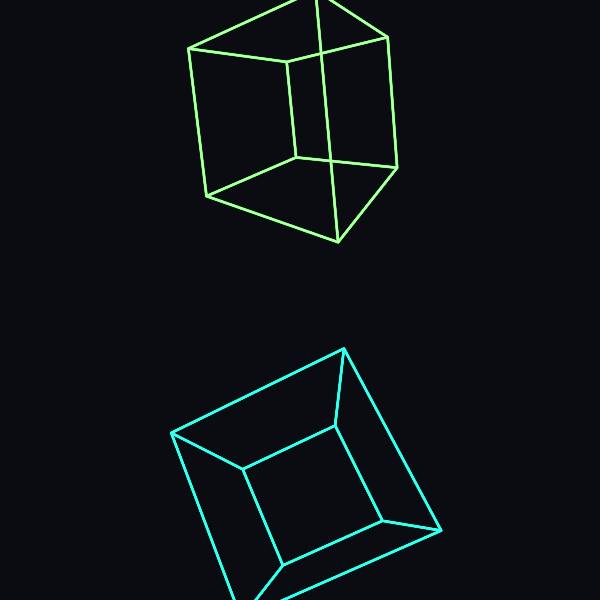
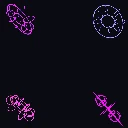
Wire Cube is a 3D wireframe visual in FRCTL, the browser VJ studio. Rotating foreground wireframe cubes over the source.
Runs live on video, images, a camera or generated art. Stack it with any other effect, and route LFOs, envelopes or any of ten audio bands to its controls so it moves with the music.
Two perspective wire cubes, one above and one below the centre, tumble on all three axes at once, so faces swing toward the viewer and near edges grow larger than far ones. Twelve straight edges and no curves make it the hardest-edged object in the Wire set. Size sets the cube scale, Move the tumble speed and a gentle bob.
Using Wire Cube
Where it works
The demo-scene object: hard lines and constant tumble suit techno, electro and anything with a retro-computer edge. Top and bottom placement leaves the sides clear for a lineup or set times on a poster.
With the music
Nothing here is audio-driven by default. Put B1 (kick) on Size so the cubes punch outward on each kick, or MIDI-map Hue to a knob and colour them by hand through the set.
Starting point
Size centre, Move centre, Hue green, Object placement on Top and bottom, then lift Size until the cubes touch the art's edges.
Controls
Size
Object radius and foreground presence.
Move
Rotation, bob, and orbit motion speed.
Hue
Wireframe color family.
Object placement
Object placement pattern.
Speed
Rate of the effect motion. Centre is the authored speed, hard left a tenth of it.