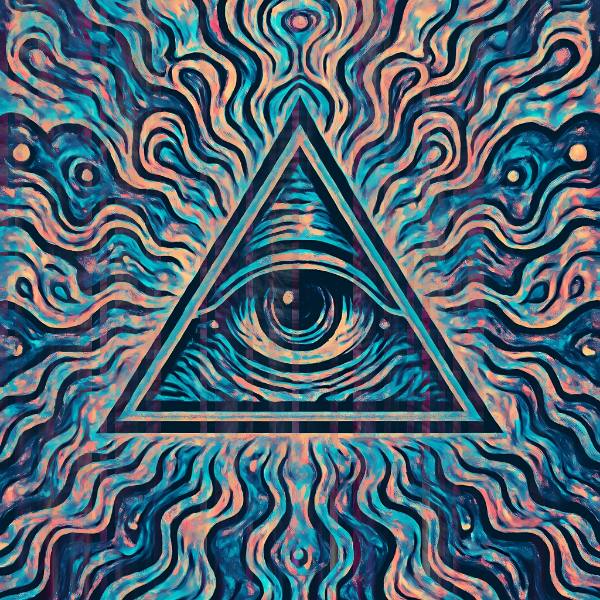
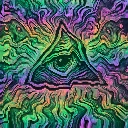
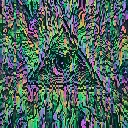
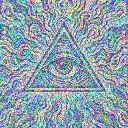
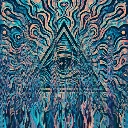
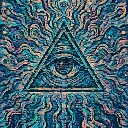
Gravity Bleed is a liquid video effect in FRCTL, the browser VJ studio. Wet ink channels that drag shadows and highlights straight down.
Runs live on video, images, a camera or generated art. Stack it with any other effect, and route LFOs, envelopes or any of ten audio bands to its controls so it moves with the music.
Streaks only the tonal extremes. Each pixel averages eight taps along the Direction axis, but midtones are gated out, so shadows and highlights bleed in thin wet channels while the rest of the image holds still. Channels sets how many channels cross the frame, Pull how long each streak runs, and Ink the cool colour shift and the dark bite along the wet edges.
Using Gravity Bleed
Where it works
The quietest of the drip effects, so use it where the subject must survive: a logo sting, a portrait cover, or a long intro loop where heavier melts would wear thin.
With the music
B2 (sub bass) on Pull stretches the streaks when the sub comes in and shrinks them in the gaps. A slow free-running LFO on Channels keeps the wet lanes shuffling across a long section.
Starting point
Channels centre, Pull three-quarters, Ink a quarter, Direction on Down, then lower Pull until only the darkest lines trail.
Controls
Channels
Ink channel frequency across X.
Pull
Vertical smear distance per sample.
Ink
Chromatic ink shift and edge bite.
Direction
Which way the ink bleeds.
Speed
Rate of the effect motion. Centre is the authored speed, hard left a tenth of it.