Skip to content

Liquid effect

Wax Drip

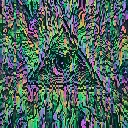
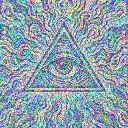
Wax Drip is a liquid video effect in FRCTL, the browser VJ studio. Thick glossy drips with rounded falling beads.

Runs live on video, images, a camera or generated art. Stack it with any other effect, and route LFOs, envelopes or any of ten audio bands to its controls so it moves with the music.

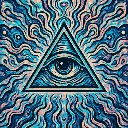
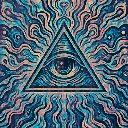
The untouched demo art: an eye inside a triangle over wavy teal, blue and peach lines
Source
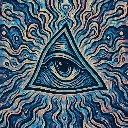
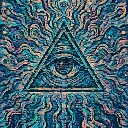
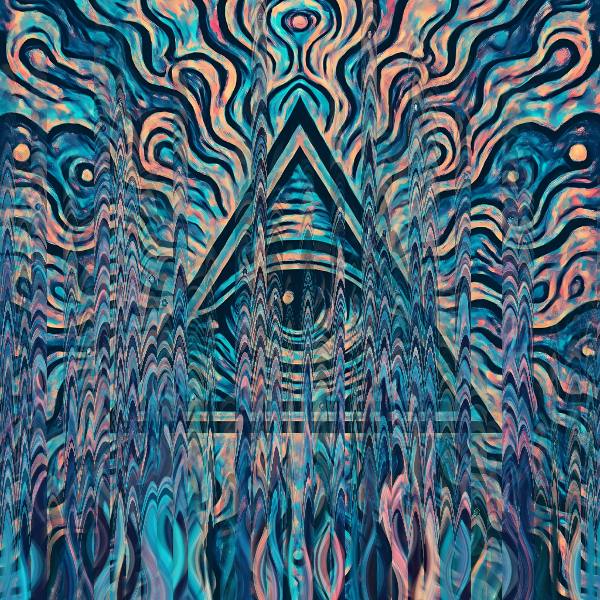
The eye-in-triangle illustration with its lower two-thirds cut into narrow wax lanes ending in rounded, pointed tips
Wax Drip, default settings

What Wax Drip does

Narrow lanes of melted, glossy picture stand up from the bottom edge, each capped with a rounded bead that carries a white highlight. The beads sink down their lanes at different speeds, shortening each column, and then the lane snaps back to full height. Lanes sets how many there are, Flow how far the wax pulls and smears, and Gloss the rainbow sheen and bead shine.

Using Wax Drip

Where it works
Candle-and-wax art, horror-tinged covers and slow intros where the frame should look like it's melting in stages. The beads give each lane a clear shape, so it still reads at thumbnail size on a Reel.
With the music
Nothing in the shader follows the track. B3 (bass body) on Flow makes the wax pull harder on sustained bass, and an Envelope from the beat on Gloss flashes the bead highlights on every hit.
Starting point
Lanes a quarter, Flow centre, Gloss three-quarters, Direction on Down, then raise Lanes until the columns start to crowd each other.

Controls

Lanes
Number of wax drip lanes.
Flow
Vertical pull and smear distance.
Gloss
Iridescent gloss and bead highlights.
Direction
Which way the wax runs.
Speed
Rate of the effect motion. Centre is the authored speed, hard left a tenth of it.

Pairs well with Wax Drip