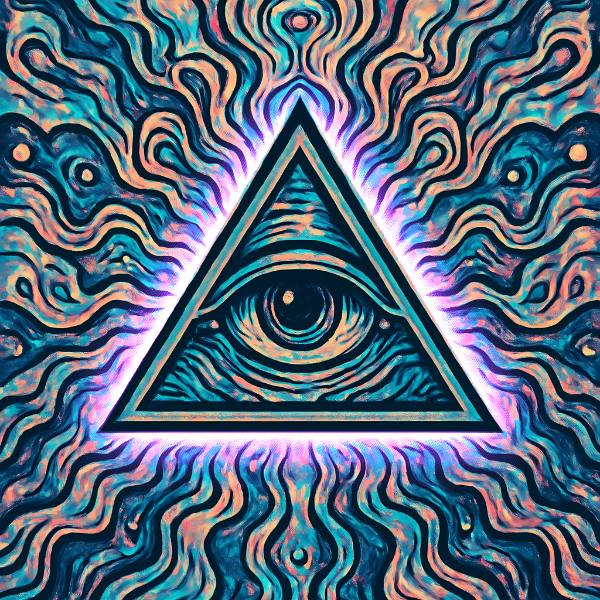
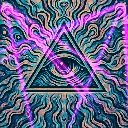
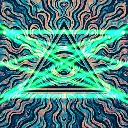
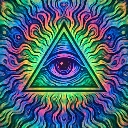
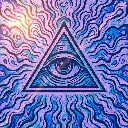
Subject Aura is a neon and laser effect in FRCTL, the browser VJ studio. A glow that hugs the outside edge of the selected subject and fades with distance from it. Needs a subject selection or live tracking, and leaves the picture alone without one.
Runs live on video, images, a camera or generated art. Stack it with any other effect, and route LFOs, envelopes or any of ten audio bands to its controls so it moves with the music.
Lights a halo around the outside of the selected subject, brightest on the outline and fading out into the background. The body itself is left as it was, so only the space around the silhouette glows. Radius sets how far the light reaches, Intensity how bright it burns, Hue its colour, and Softness whether it clings as a tight rim or spreads into a haze.
Using Subject Aura
Where it works
A performer on a live camera with tracking on, so the glow follows them round the stage. Also cover art with a detected subject, where a coloured halo lifts the figure off a busy ground.
With the music
The glow holds steady until something is routed to it. Send B1 (kick) to Intensity so the aura flares on each hit, or put a slow LFO on Hue to walk the colour round the wheel.
Starting point
Press Subject, or Track on a live camera, first. Then Radius under centre, Intensity and Softness centre, and a Hue that clears the background.
Controls
Radius
How far the glow reaches out from the edge of the subject.
Intensity
Brightness of the glow. Hard left turns it off, centre is the authored level, right drives it toward white.
Hue
Colour of the aura.
Softness
Left is a tight rim that clings to the outline, right a wide haze that fades slowly.