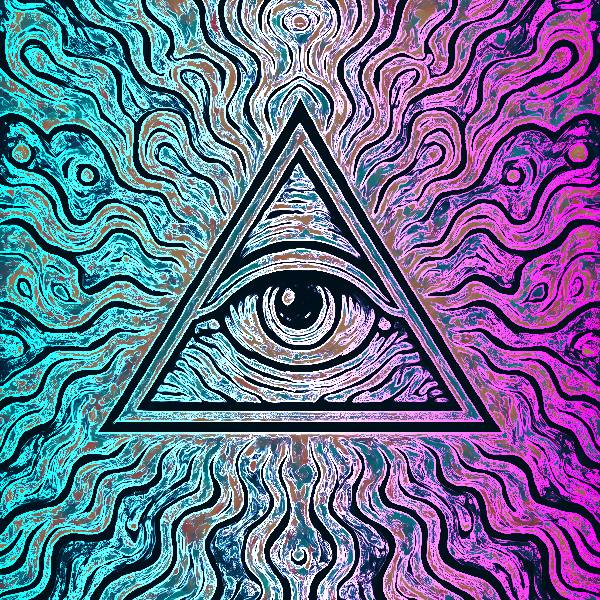
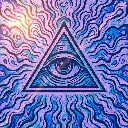
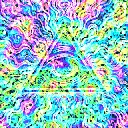
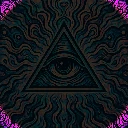
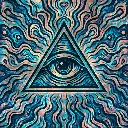
Neon Edges is a neon and laser effect in FRCTL, the browser VJ studio. Sobel-style outlines with hot pink and cyan glow.
Runs live on video, images, a camera or generated art. Stack it with any other effect, and route LFOs, envelopes or any of ten audio bands to its controls so it moves with the music.
Finds every brightness edge, dims the rest of the picture and redraws the edges as glowing outlines graded from one colour to another across the frame, cyan on the left into magenta on the right by default. Edge catches fainter lines, Halo thickens the glow, Pair sets how far the second colour sits from Hue, and Direction picks which way the grade runs, including out from the centre.
Using Neon Edges
Where it works
Logo stings and line-art covers, since it turns any drawn or high-contrast image into a neon sign. Live, it's the quickest way to make camera footage of the crowd read as outlines.
With the music
It's a static trace. Route B1 kick to Halo so the outlines bloom on every kick, and a BPM-synced LFO on Hue walks both colours round the wheel together.
Starting point
Edge at centre, Halo at three-quarters, Pair at centre, Direction on Right for the classic cyan-to-pink sign.
Controls
Edge
Edge detection sensitivity.
Halo
Additive glow around edges.
Core
Brightness of the picture between the outlines. Left drops it to black for pure neon lines, right keeps it near full.
Hue
Colour the outlines start from at the near end of the frame.
Pair
How far the far colour sits from Hue. Hard left is a single colour, centre the authored cyan into pink.
Direction
Which way the pair of outline colours runs across the frame.