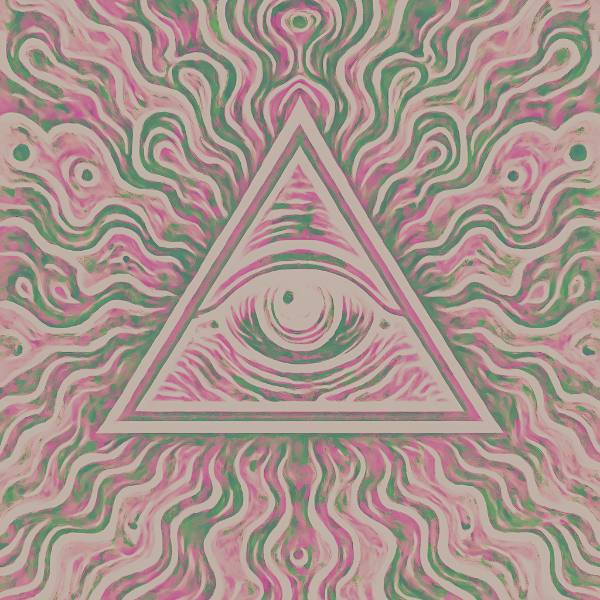
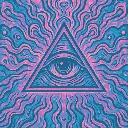
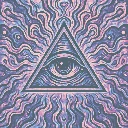
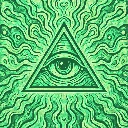
Negative Ops is a colour grade in FRCTL, the browser VJ studio. Colour negative: complementary hues with a lifted print base.
Runs live on video, images, a camera or generated art. Stack it with any other effect, and route LFOs, envelopes or any of ten audio bands to its controls so it moves with the music.
Inverts the picture, then rotates the colour channels so complements land on a different hue, and lays an orange print base on top like film negative. Dark linework turns pale cream and light areas go pink and green. Film blends from a plain negative toward the rotated one, Shift sets how far the rotation turns, and Punch adds saturation and brightens the print.
Using Negative Ops
Where it works
Inverted drops, eerie interludes and cover art that should feel wrong at a glance. Unlike every other Muted grade it doesn't map by brightness at all, so dark lines turn bright and faces go ghostly.
With the music
There's no audio or clock reaction inside. Bind Shift to B5 mids so vocal lines rotate the complements to new hues, and use a beat-triggered Envelope on Punch to slam saturation on each downbeat.
Starting point
Film at centre, Shift a quarter, Punch three-quarters, then raise Shift until the complements move off plain opposites.
Controls
Film
How far a plain negative turns into a colour-film one, channels rotated. It stays a negative throughout, so lower Mix to bring the positive back.