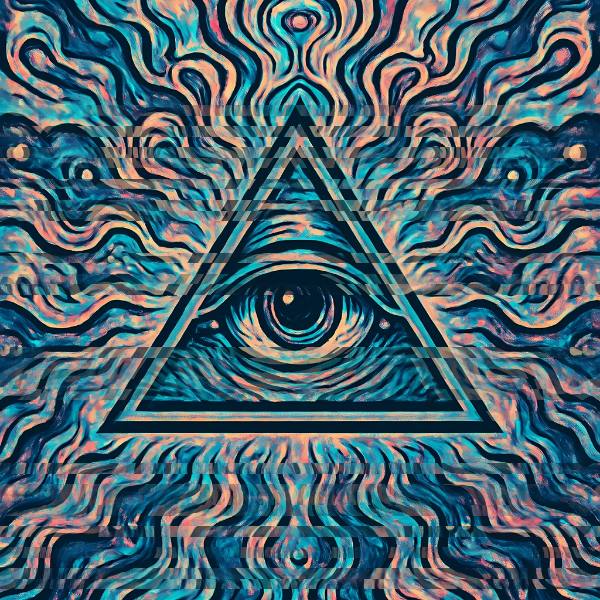
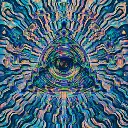
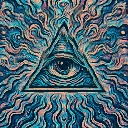
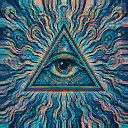
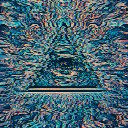
Strobe Slicer is a beat-reactive motion effect in FRCTL, the browser VJ studio. Horizontal exposure slices and hard light flashes for beat cuts.
Runs live on video, images, a camera or generated art. Stack it with any other effect, and route LFOs, envelopes or any of ten audio bands to its controls so it moves with the music.
Cuts the frame into rows and slides about half of them sideways, re-rolling the pattern ten times a second, while a warm white flash fires on its own clock roughly every 0.8 seconds. Randomly gated rows also drain slightly toward grey. Rows sets slice density, Shift the slide, Flash both the flash and how hard the slices mix. Direction turns the rows into columns or rings.
Using Strobe Slicer
Where it works
For the drop and the hard cut, when the picture should stutter for a bar. On a social clip a few frames of it hides a jump edit and sells the edit as intentional.
With the music
Its flash runs at a fixed 1.25 per second, so it won't lock to the track. Keep Flash low and drive it with an Envelope triggered by the beat, then give B7 (snare) to Shift so the rows throw wider on each snare.
Starting point
Rows centre, Shift three-quarters, Flash a quarter, Direction on Up and down, then raise Flash only for the drop.
Controls
Rows
Horizontal slice row density.
Shift
Per-row horizontal shift strength.
Flash
Strobe flash and slice mix strength.
Direction
Which way the exposure slices are cut.
Speed
Rate of the effect motion. Centre is the authored speed, hard left a tenth of it.