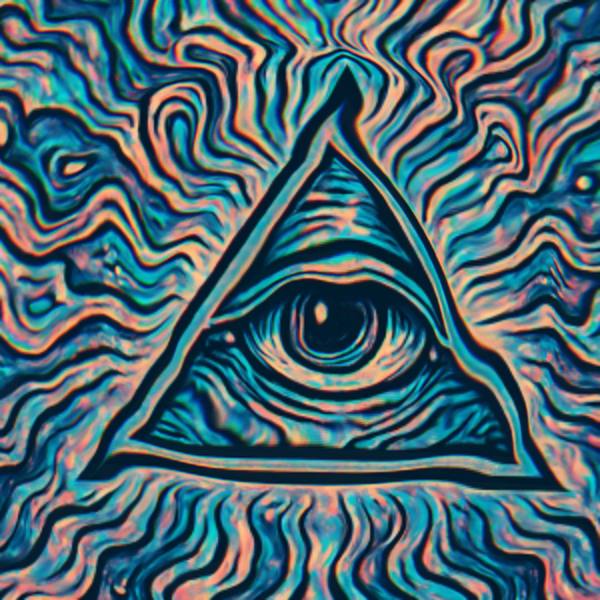
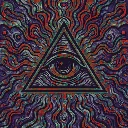
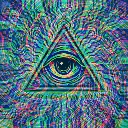
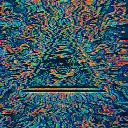
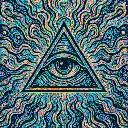
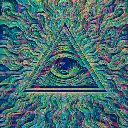
Time Machine is a glitch video effect in FRCTL, the browser VJ studio. Every pixel sits at a different moment in the last 32 frames, so one frame holds about half a second at once.
Runs live on video, images, a camera or generated art. Stack it with any other effect, and route LFOs, envelopes or any of ten audio bands to its controls so it moves with the music.
Keeps the last 32 frames, about half a second at 60 fps, and shows each part of the picture at a different age, so anything moving bends and stretches. Time map sets the layout (Rings from centre, Top to bottom, Left to right). Ripple sends waves of older time through it, Edge hardens the gradient into frozen slices, and Chroma puts red and blue at different moments.
Using Time Machine
Where it works
Performance or dance footage and slow camera moves, where a body smears into a curve of itself. Needs movement to show anything, so give it a clip rather than a still cover.
With the music
The ripple waves travel on the effect clock, set by Speed. B1 (kick) on Depth reaches further into the past on each kick, and a slow LFO on Ripple crossfades between a clean slit scan and travelling rings.
Starting point
Depth at three-quarters, Time map on Rings from centre, Ripple at a quarter, Chroma at a quarter, Edge at centre.
Controls
Depth
How far into the past the oldest pixels reach.
Time map
Which direction time runs across the frame.
Ripple
Sends waves of past time travelling across the frame.
Chroma
Puts each color channel at a different moment.
Edge
Soft time gradient through to hard cut-off slices.
Speed
Rate of the effect motion. Centre is the authored speed, hard left a tenth of it.