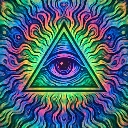
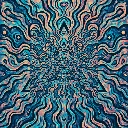
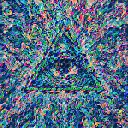
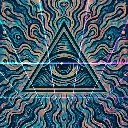
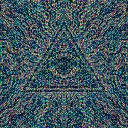
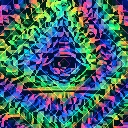
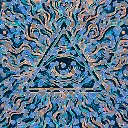
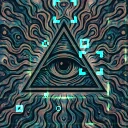
Kaleidoscope is a kaleidoscope and geometry effect in FRCTL, the browser VJ studio. Mirrored radial sectors around the image center.
Runs live on video, images, a camera or generated art. Stack it with any other effect, and route LFOs, envelopes or any of ten audio bands to its controls so it moves with the music.
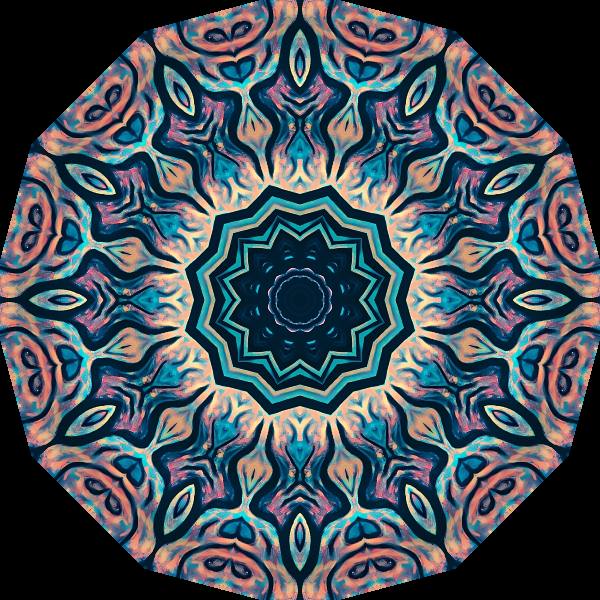
Cuts the frame into mirrored wedges around the centre and sweeps them into one still mandala, with black corners where the wedges run past the picture. The Mix slider picks the wedge count, snapping between 3 and 14. Mirror's Square option folds both axes into a four-way mirror box instead, and Twist winds the wedges into a spiral as they leave the centre.
Using Kaleidoscope
Where it works
Album covers and logo plates that need a centred, symmetrical mandala from any photo. It holds perfectly still, so the pattern stays readable on a big screen and only moves when you drive it.
With the music
Nothing here runs on its own clock, so every bit of motion is routing. An LFO synced to the bar on Twist winds and unwinds the spiral across a phrase, and B1 on Ripple flashes the radial rings on each kick.
Starting point
Mirror on Radial, Twist at a quarter, Ripple and Shimmer at centre, then walk the Mix slider until the wedge count suits the subject.
Controls
Ripple
Radial shimmer strength after mirroring.
Shimmer
Shimmer spatial frequency.
Lift
Overall brightness lift on the pattern.
Mirror
Radial sweeps sectors around the centre; Square folds both axes into block symmetry instead.
Twist
Winds the sectors into a spiral as they leave the centre.