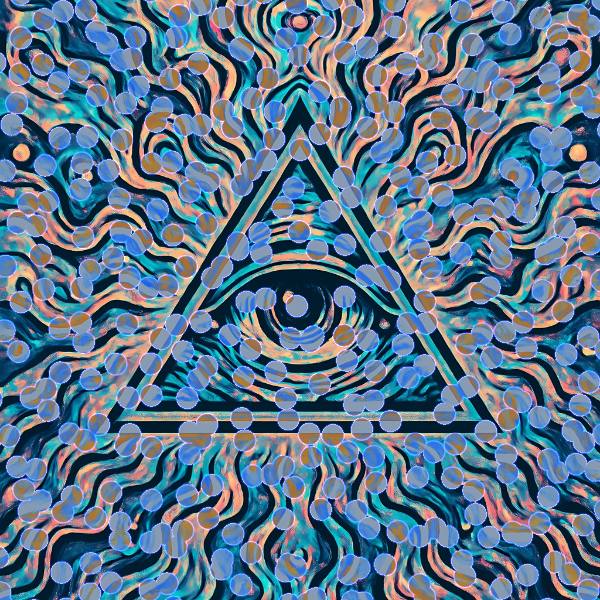
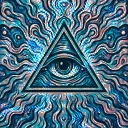
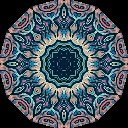
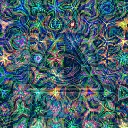
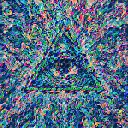
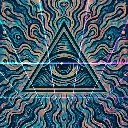
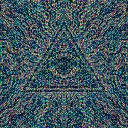
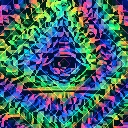
Amoeba Division is a kaleidoscope and geometry effect in FRCTL, the browser VJ studio. Harsh cellular noise splits the image into inverted blobby cells.
Runs live on video, images, a camera or generated art. Stack it with any other effect, and route LFOs, envelopes or any of ten audio bands to its controls so it moves with the music.
Grows a crawling field of cells over the picture and inverts whatever falls inside them, with red and blue swapped, so blobs of the negative drift across the positive. The blobs swell and shrink on a slow pulse, and each carries a thin rainbow rim. Scale sets cell size, Invert how strong the negative is, Membrane the rim, and Direction which way the mass crawls.
Using Amoeba Division
Where it works
Slow intros and ambient passages, and loops for a pack where the source should stay recognisable. Only the blobs change, so a face or logo keeps reading between the inverted cells.
With the music
Cells crawl and pulse without any routing, and Speed sets the drift. B3 on Invert deepens the negative on bass notes, and B8 on Membrane lets the hats flicker the rims.
Starting point
Scale at centre, Membrane at a quarter, Invert at three-quarters, Direction on Left, and Speed a touch under centre for a lazy crawl.
Controls
Scale
Cellular domain density vs intensity.
Membrane
Rim spectrum and edge film strength.
Invert
Blob chroma inversion mix depth.
Direction
Which way the cell mass crawls.
Speed
Rate of the effect motion. Centre is the authored speed, hard left a tenth of it.