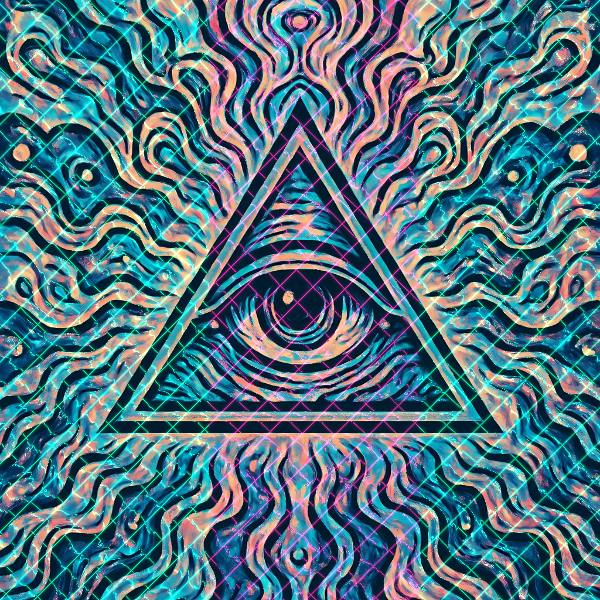
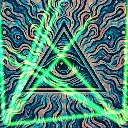
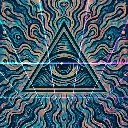
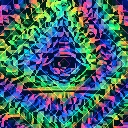
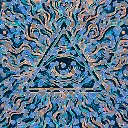
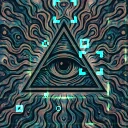
Laser Lattice is a kaleidoscope and geometry effect in FRCTL, the browser VJ studio. Animated diagonal laser grids that bend over image brightness.
Runs live on video, images, a camera or generated art. Stack it with any other effect, and route LFOs, envelopes or any of ten audio bands to its controls so it moves with the music.
Draws two sets of diagonal laser beams across the picture, crossing at right angles and sliding in opposite directions, then bends them with a noise warp that's strongest over bright areas. The beams alternate between a colour and its opposite in bands that sweep across the frame. Grid sets beam spacing, Beam brightness, Warp the bend, Hue the colour pair, and Angle turns the lattice upright.
Using Laser Lattice
Where it works
Rave visuals and club-night flyers that want a laser show over a photo or logo. The beams are added on top, so the picture keeps its own colours underneath, which suits a DJ portrait or a logo reveal.
With the music
Beams scroll on their own and Speed sets their pace. B1 on Beam fires the lasers on the kick, and a free-running LFO on Angle rocks the whole lattice between diagonal and upright.
Starting point
Grid at centre, Beam at three-quarters, Warp at a quarter, Hue hard left for red and cyan, Angle hard left for the diagonal.
Controls
Warp
fBm bend strength on the sampling UV.
Grid
Diagonal beam frequency vs intensity.
Beam
Laser beam and glow add strength.
Hue
Alternating laser grid colors.
Angle
Turns both beam grids together, from the authored diagonal to upright and back.
Speed
Rate of the effect motion. Centre is the authored speed, hard left a tenth of it.