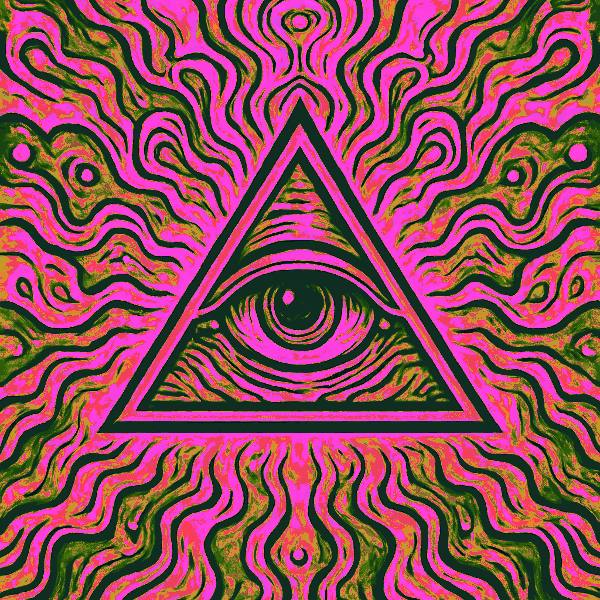
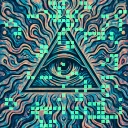
Paik-Abe Colorizer is a halftone and retro screen effect in FRCTL, the browser VJ studio. Replaces luminance with a five-band colour ramp, the way an analog colorizer does.
Runs live on video, images, a camera or generated art. Stack it with any other effect, and route LFOs, envelopes or any of ten audio bands to its controls so it moves with the music.
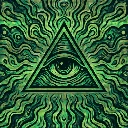
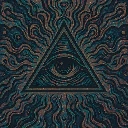
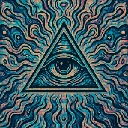
Discards the picture's own colour and re-lights it by brightness through a five-colour ramp, so shadows, mids and highlights each get their own hue. Palette turns the whole ramp, Spread widens it toward a full rainbow, and Solarize folds highlights back into the low bands. Push Drive with Overflow on Wrap or Fold and the bright areas break into extra bands of colour.
Using Paik-Abe Colorizer
Where it works
Footage with dull or mixed colour, since a grey source comes back in full chroma. It gives a black-and-white logo or a live camera analog-video colour for a set, and Posterize makes flat plates for cover art.
With the music
No clock or audio inside it, so it holds still until routed. A free LFO on Palette rolls the hues through the tones the way a hand on a colorizer knob would, and B1 kick on Drive flares the highlights into overflow.
Starting point
Spread at centre, Solarize at a quarter, Posterize at three-quarters, Drive at centre, Overflow on Fold, for flat bands with folded highlights.
Controls
Palette
Base colour the five bands are built from.
Spread
How far apart the bands sit on the wheel. Wide settings cover the whole spectrum.
Solarize
Folds the luminance ramp back on itself so highlights reorder into the low bands.
Hue warp
Bends the ramp nonlinearly so colours bunch instead of stepping evenly.
Posterize
Quantizes the ramp into flat plates of colour.
Drive
Pushes the result past white, for the overflow control to catch.