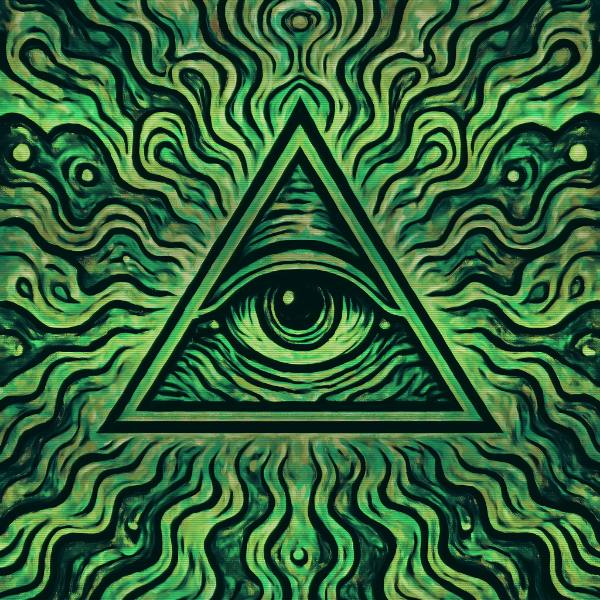
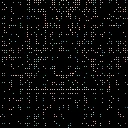
Phosphor Decay is a halftone and retro screen effect in FRCTL, the browser VJ studio. Bright pixels bleed outward and fade from white to green to black.
Runs live on video, images, a camera or generated art. Stack it with any other effect, and route LFOs, envelopes or any of ten audio bands to its controls so it moves with the music.
Paints the image in green CRT phosphor: dark areas sink to near-black, bright areas glow green and the hottest spots burn to white, all under a fine scanline ruling. A slow brightness ripple rolls through the frame along the scan. Bleed smears each bright point along the beam and up the raster, Scan deepens the lines, and Direction turns the tube so they run upright.
Using Phosphor Decay
Where it works
Retro-terminal and night-vision set visuals, and hacker-style lyric or logo stings where green monochrome keeps type readable. On a Reel it gives footage an old-monitor read without any extra grading.
With the music
The flicker ripple runs off the clock, and Speed sets its pace. Route B2 sub bass to Bleed so the glow smears out on sustained lows, and an Envelope triggered by the beat on Phosphor punches the green in on each hit.
Starting point
Bleed at three-quarters, Scan at centre, Phosphor at centre, Direction on Lines across, then lower Scan if the lines shimmer at export size.
Controls
Bleed
Lateral glow accumulation from neighbors.
Scan
Horizontal scanline modulation depth.
Phosphor
CRT tint vs original mix.
Direction
Which way the tube scans.
Speed
Rate of the effect motion. Centre is the authored speed, hard left a tenth of it.