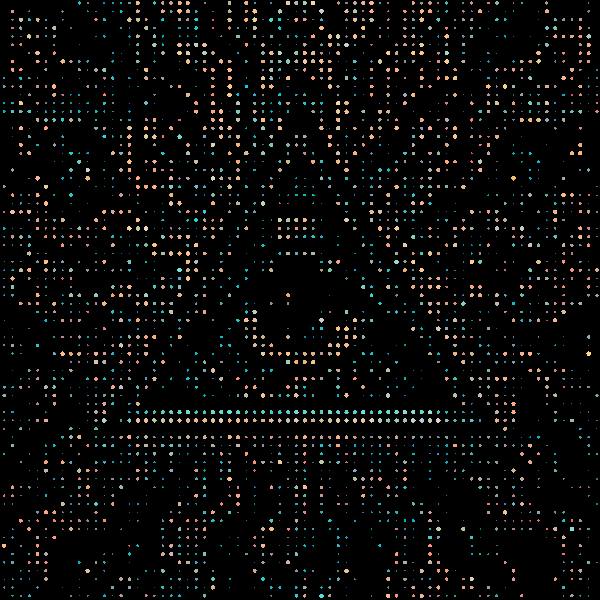
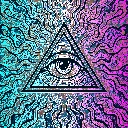
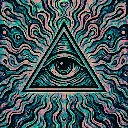
ASCII Dither is a halftone and retro screen effect in FRCTL, the browser VJ studio. Round dots on black, one per cell, sized by brightness. Intensity scales cell size, contrast and gap together.
Runs live on video, images, a camera or generated art. Stack it with any other effect, and route LFOs, envelopes or any of ten audio bands to its controls so it moves with the music.
Throws the picture onto black as a grid of round dots, one per cell, each sized by that cell's brightness and coloured from its centre. Dark areas drop out to nothing, so the art survives only as bright points. Density turned up packs smaller cells, Gap shrinks every dot inside its cell, and Contrast pushes mid-tones toward either no dot or a full one.
Using ASCII Dither
Where it works
LED-wall and scoreboard looks for a set visual, a logo turned into a dot-matrix sign, or a sparse loop that sits on black so it screens cleanly over other layers.
With the music
It's static, so the movement is yours to route. Put B1 kick on Contrast so the grid hardens on every kick, bright dots filling their cells and dim ones vanishing, and an LFO on Density to breathe between coarse and fine.
Starting point
Density at centre, Gap at a quarter, Contrast at three-quarters, then raise Density until the subject's outline reads in dots.
Controls
Density
How many dot cells fit across. Right packs in smaller cells.