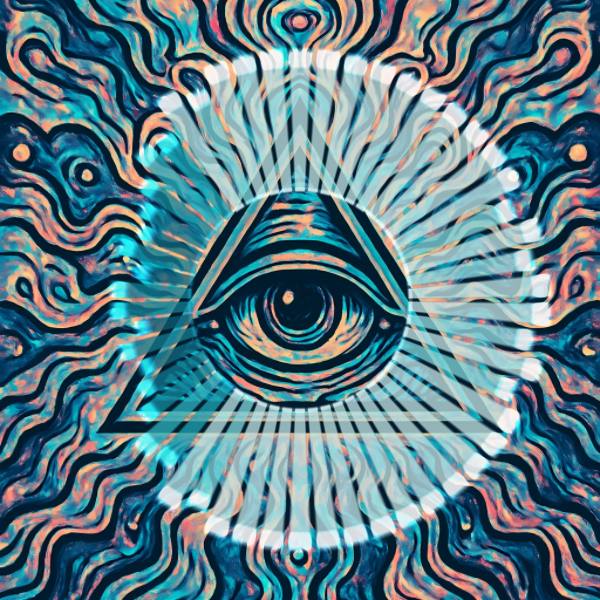
Radial Spectrum is an audio visualizer in FRCTL, the browser VJ studio. The spectrum wrapped into a ring, spokes pushing outward from the centre.
Runs live on video, images, a camera or generated art. Stack it with any other effect, and route LFOs, envelopes or any of ten audio bands to its controls so it moves with the music.
Wraps the bands into spokes round a ring, mirrored top to bottom so kick and bass sit at nine o'clock and the highs meet at three, with no seam between lowest and highest. Each spoke tip and the inner rim glow. Spokes sets how many cut the ring, from twelve to ninety-six, Radius the inner ring's size, and Glow the brightness of tips and rim.
Using Radial Spectrum
Where it works
Centred art such as a logo or a record label, since the ring frames the middle and leaves it clear. It's the natural choice for a square post or a visualiser for a single release.
With the music
Every spoke follows its band live, B1 at the left, B10 at the right. Add B1 to Radius so the whole ring jumps outward on each kick, or a beat-synced LFO on Palette to swap heat and cold per bar.
Starting point
Spokes centre, Smooth centre, Tilt centre, Palette centre for cold, Glow centre, Radius a quarter, then widen Radius until the ring clears your logo.