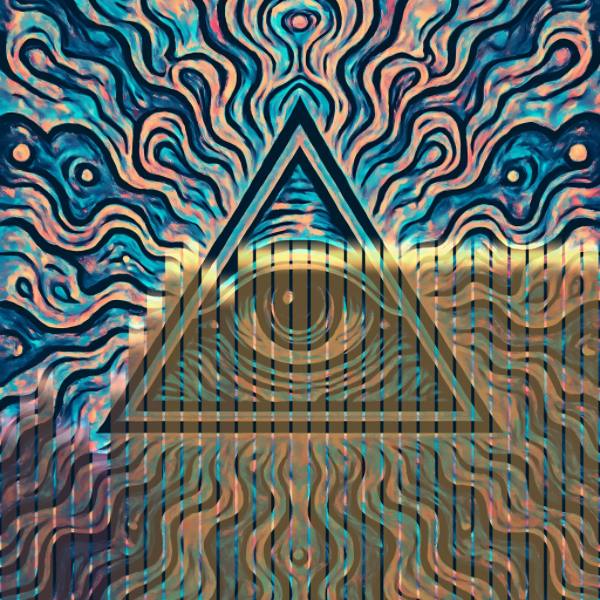
Spectrum Bars is an audio visualizer in FRCTL, the browser VJ studio. The spectrum as a row of bars across the frame, rising out of the picture.
Runs live on video, images, a camera or generated art. Stack it with any other effect, and route LFOs, envelopes or any of ten audio bands to its controls so it moves with the music.
Draws the ten analysis bands as bars rising from the bottom of the frame, kick on the left through to sparkle on the right, each topped with a bright cap. Bars cuts the width into eight to sixty-four, Smooth averages neighbours, Tilt lifts the quieter top end, Height sets full scale, and Palette picks heat, cold or acid. With no audio it reads the picture's column contrast instead.
Using Spectrum Bars
Where it works
The literal readout for a Reel or a lyric-video style post, where viewers expect to see the track move. The bars sit over the art rather than replacing it, so cover art stays visible above them.
With the music
Reads the spectrum natively: the left third follows B1-B4, kick to low mids, the middle B5-B7, the right B8-B10. On top of that, B1 on Glow flashes every cap on the kick.
Starting point
Bars centre, Smooth a quarter, Tilt centre, Palette hard left for heat, Glow centre, Height centre, then raise Tilt if the right side stays flat.
Controls
Bars
How many bars the width is cut into.
Smooth
Average neighbouring frequencies together.
Tilt
Lift the high end, which music always leaves quieter.