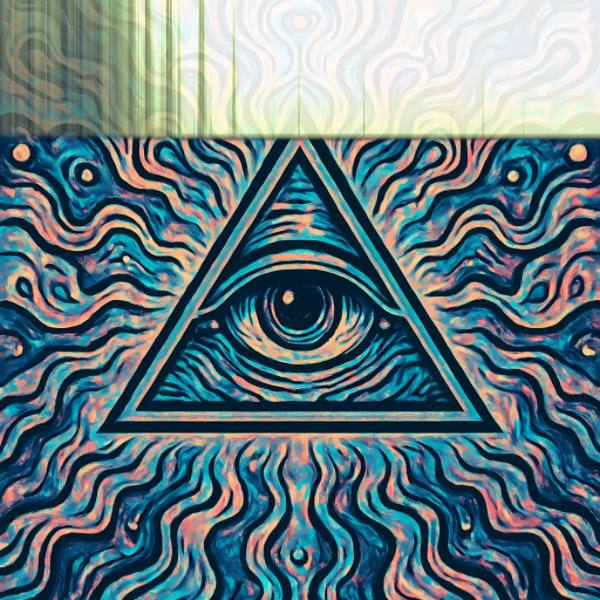
Spectrogram is an audio visualizer in FRCTL, the browser VJ studio. The spectrum written one line at a time and scrolled away, leaving a history of the track.
Runs live on video, images, a camera or generated art. Stack it with any other effect, and route LFOs, envelopes or any of ten audio bands to its controls so it moves with the music.
Writes the current spectrum as a line along the top edge and scrolls it down the frame, fading as it falls, so the picture carries a short history of the track. Lows sit on the left. Scroll sets how fast the history drops and so how far down it reaches, Detail runs from chunky columns to a smooth smear, and Palette colours the trace.
Using Spectrogram
Where it works
Track premieres and long-form set visuals, since the falling history shows the music's structure as it plays. Builds and drops read clearly as the trace thickens and thins.
With the music
The trace is the spectrum itself, B1 at the left edge through B10 at the right, building up over time. B1 (kick) on Scroll shoves the history down faster on each kick, and an LFO on Palette recolours it section by section.
Starting point
Detail three-quarters, Smooth a quarter, Tilt centre, Palette hard left, Glow centre, Scroll three-quarters so the history reaches further down.