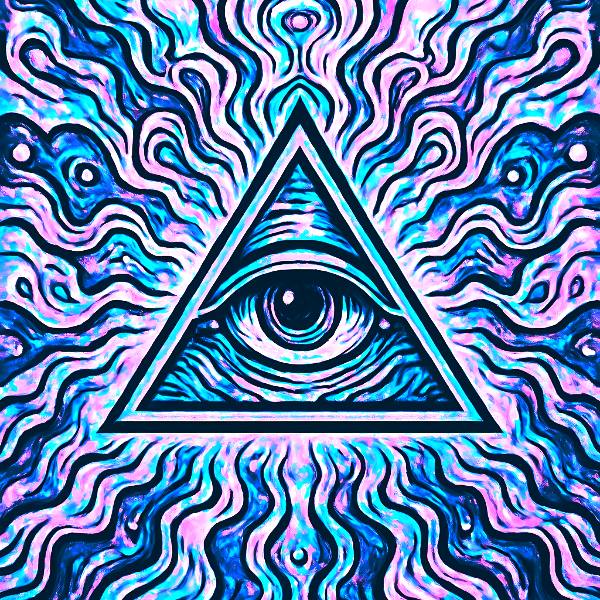
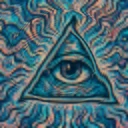
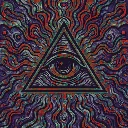
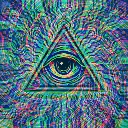
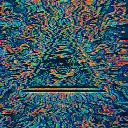
RGB Delay is a glitch video effect in FRCTL, the browser VJ studio. OBS-style RGB channel spread with saturated ghost silhouettes.
Runs live on video, images, a camera or generated art. Stack it with any other effect, and route LFOs, envelopes or any of ten audio bands to its controls so it moves with the music.
Stacks three tinted copies of the picture from 0.4, 0.6 and 0.8 seconds back, in cyan, magenta and lavender, and lightens them over the live frame, so a moving subject drags a fan of coloured silhouettes. On a still they fold into a pale cyan and pink wash. Ghosts sets how hard the plates land, Temporal swaps in delayed channels where there's motion, and Saturation pushes the colour.
Using RGB Delay
Where it works
Dance footage, crowd shots and any clip with one clear mover, where the silhouettes show each move landing late. On a still it doubles as a quick cyan-and-pink recolour for a cover.
With the music
The taps are fixed in seconds rather than beats, so let the track set the strength instead. B3 (bass body) on Ghosts thickens the silhouettes on each bass note, and B8 (hats) on Saturation makes the colour flicker in time.
Starting point
Ghosts at centre, Temporal at three-quarters, Saturation at a quarter, on footage with a single subject crossing the frame.