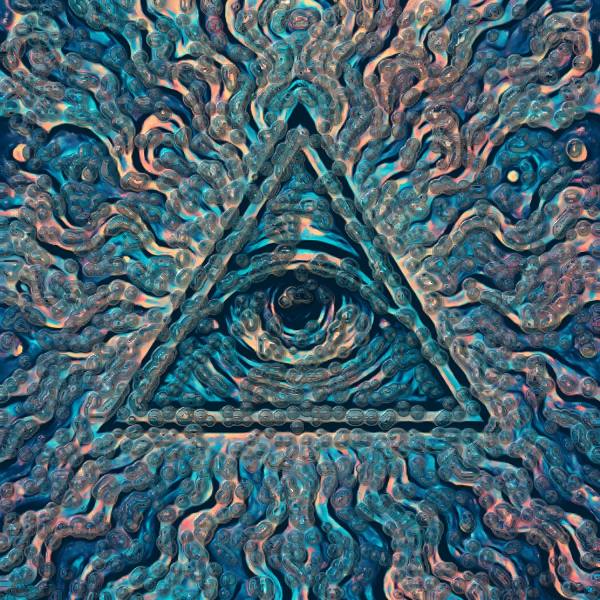
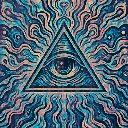
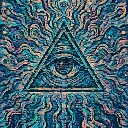
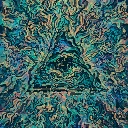
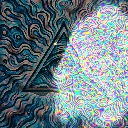
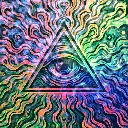
Turing Skin is a liquid video effect in FRCTL, the browser VJ studio. Grows a fine Turing pattern and wears it as skin — the picture keeps its shape but gains fingerprint ridges that push it around as they form.
Runs live on video, images, a camera or generated art. Stack it with any other effect, and route LFOs, envelopes or any of ten audio bands to its controls so it moves with the music.
Grows a fine fingerprint-ridge Turing pattern once, when it's switched on, then lets it settle and hold still while the footage moves beneath. The ridges have no colour of their own: they emboss the picture and push it off the crests into the valleys. Scale runs from fingerprint up to brain coral, Warp sets the push, Emboss the lighting, and Feed and Kill dots versus lines.
Using Turing Skin
Where it works
Texture for portraits, reptile and alien looks, and cover art that should feel tactile without changing colour. Once formed the pattern holds still, so it layers under moving footage without flicker.
With the music
Keep audio off Feed and Kill: pushed too far this skin fades and won't return until the clip restarts. Warp and Emboss are safe, so B3 (bass body) on Warp makes the ridges shove the picture on bass notes.
Starting point
Scale hard left, Feed centre, Kill centre, Growth three-quarters, Warp a quarter, Emboss centre, then let the ridges finish forming before touching Kill.
Controls
Scale
Ridge spacing, from fingerprint up to something closer to brain coral.
Feed
How fast fresh substrate arrives. Low breaks the ridges into dots, high runs them together into unbroken lines.
Kill
How fast the pattern is taken back. Trades solid maze for open stipple. This skin is never re-seeded, so pushed hard enough either way it will fade out and stay gone until the clip restarts.
Growth
How far the pattern advances each frame while it is still forming.
Warp
How hard the ridges drag the picture. At zero the skin sits on top of it; up high the frame is pushed around by its own texture.
Emboss
Lighting across the ridge faces, which is what makes the skin look raised rather than printed.