Skip to content

Geometry effect

Collage

Collage is a kaleidoscope and geometry effect in FRCTL, the browser VJ studio. Pastes copies of the picture over itself at different sizes, like prints laid on a table, with the original showing in the gaps.

Runs live on video, images, a camera or generated art. Stack it with any other effect, and route LFOs, envelopes or any of ten audio bands to its controls so it moves with the music.

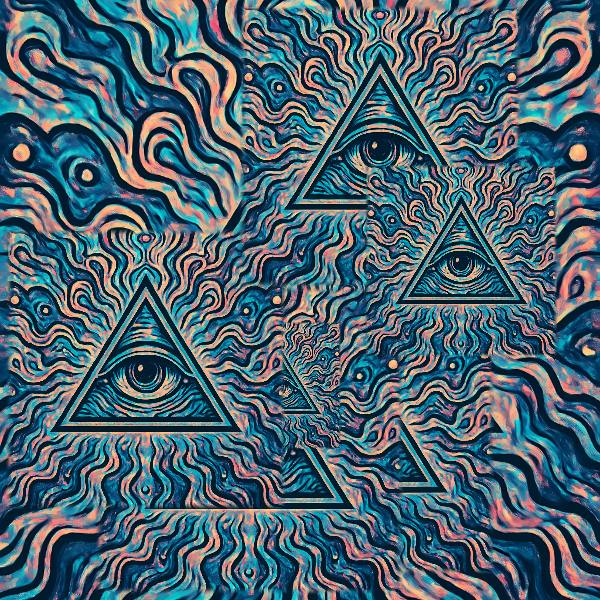
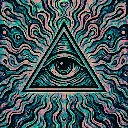
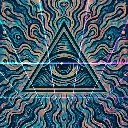
The untouched demo art: an eye inside a triangle over wavy teal, blue and peach lines
Source
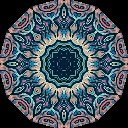
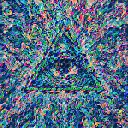
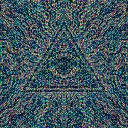
Several copies of the eye-in-triangle art pasted at different sizes over the original, like overlapping prints
Collage, default settings

What Collage does

Pastes four to nine full copies of the picture over itself at different sizes and fixed positions, like prints laid on a table, with the original showing in the gaps. The Mix slider sets how many prints land. Scale grows or shrinks every print, Jitter shoves them around, and Feather softens their edges from hard cut-outs to a fade.

Using Collage

Where it works
Cover art, flyers and merch graphics built from one logo or portrait, where repeating the subject at several sizes is the point. Nothing moves unless you drive it, so a still stays composed.
With the music
The layout sits fixed until something drives it. A beat-synced LFO on Scale pumps every print bigger and smaller, and B7 on Jitter lets the snare knock the prints out of place.
Starting point
Scale at centre, Jitter at a quarter, Feather hard left for clean cut-outs, then walk the Mix slider up until the frame feels full.

Controls

Scale
Print size span multiplier.
Jitter
Position jitter of each print.
Feather
Edge softness of each print tile.

Pairs well with Collage