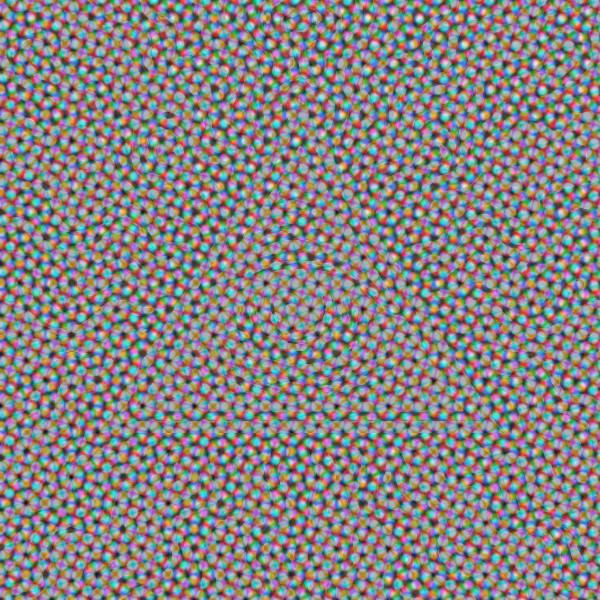
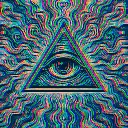
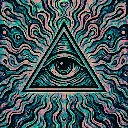
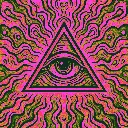
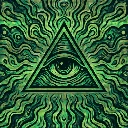
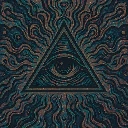
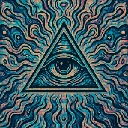
CMYK Halftone is a halftone and retro screen effect in FRCTL, the browser VJ studio. Oversized print dots with psychedelic color separation.
Runs live on video, images, a camera or generated art. Stack it with any other effect, and route LFOs, envelopes or any of ten audio bands to its controls so it moves with the music.
Red, green and blue each get their own dot screen at the old rosette angles, and a channel's dots swell where it's dark, so tones come back flipped in a lilac haze of cyan, magenta and yellow dots. At the defaults the rosette nearly buries the art. Scale turned up shrinks the dots until the eye reads again, and Angle slides the screens through moiré.
Using CMYK Halftone
Where it works
Gig posters and cover art that should look like a misregistered riso print, and a textured bed under a logo, because Scale hard left gives coarse dots that wipe fine detail but keep big shapes.
With the music
It's a still screen with no clock of its own, so any motion has to be routed. A slow BPM-synced LFO on Angle rolls the rosette through moiré once a phrase, and B1 kick on Separation swells the dots on every hit.
Starting point
Scale at centre, Separation at a quarter, Print at centre, Shape on Round, then sweep Angle slowly until the moiré settles into a clean rosette.
Controls
Scale
Dot grid size vs intensity curve.
Separation
Channel dot separation / overlap.
Print
Halftone vs original blend strength.
Shape
The screen element each channel is printed through.
Angle
Turns all three screens together, sliding the rosette through moire and back.