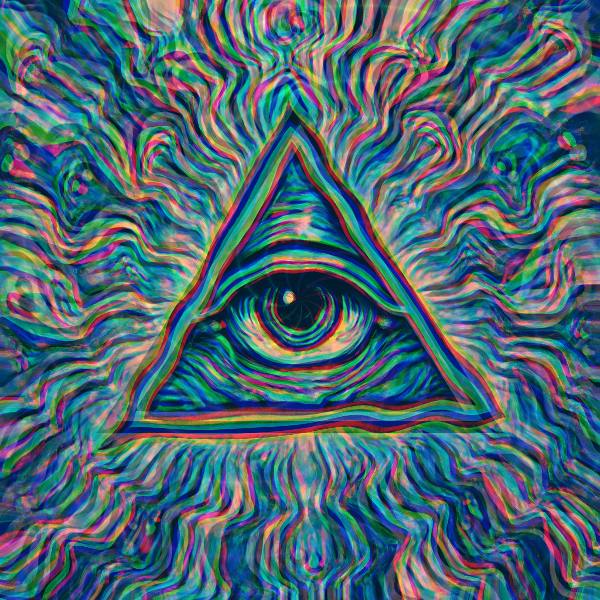
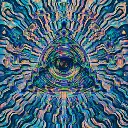
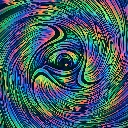
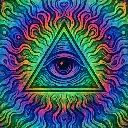
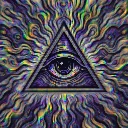
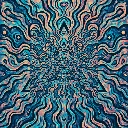
Prism Tunnel is a tunnel and feedback effect in FRCTL, the browser VJ studio. Radial tunnel refraction with RGB edge separation.
Runs live on video, images, a camera or generated art. Stack it with any other effect, and route LFOs, envelopes or any of ten audio bands to its controls so it moves with the music.
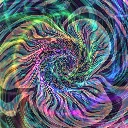
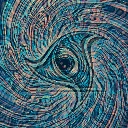
Rolls five-armed spiral ripples out of the centre that swell and shrink the picture like a warped lens, while the frame wobbles slightly in rotation. Red and blue pull apart along the radius, so fringes widen toward the edges. Tunnel packs the ripples tighter, Zoom drives the lens swell, wobble and fringe width together, and Blend sets how much replaces the source.
Using Prism Tunnel
Where it works
Keeps the art recognisable while it shimmers, so it suits a logo sting or a Reel where the subject has to read in the first second. The fringing also gives flat vector art some lens depth.
With the music
The ripples scroll on the clock with no audio input. Send B3 (bass body) to Zoom so basslines throw the fringes wide and bend the lens, and a bar-synced LFO on Tunnel tightens the ripples through each bar.
Starting point
Tunnel centre, Zoom a quarter, Blend centre, then raise Zoom until red and blue edges show clearly on the outer lines.
Controls
Tunnel
Radial tunnel frequency vs intensity.
Zoom
Tunnel zoom and roll wobble amplitude.
Blend
Blend toward the tunnel sample.
Speed
Rate of the effect motion. Centre is the authored speed, hard left a tenth of it.