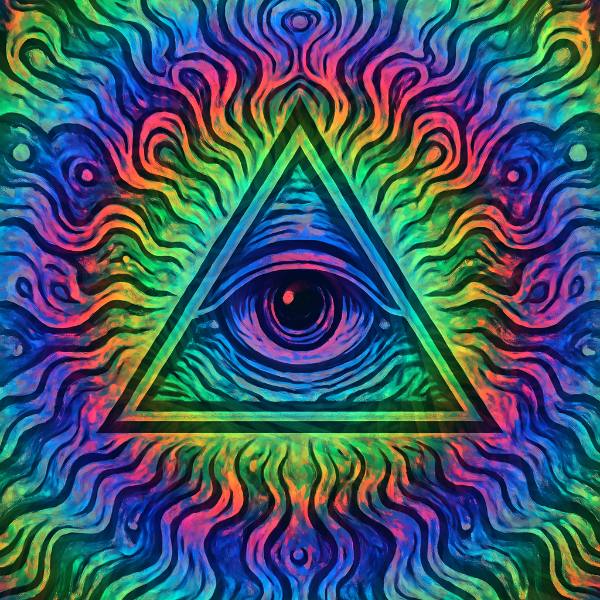
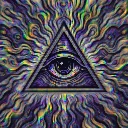
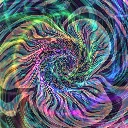
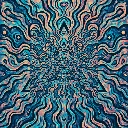
Spiral Bloom is a tunnel and feedback effect in FRCTL, the browser VJ studio. Soft repeated spiral echoes blooming from the center.
Runs live on video, images, a camera or generated art. Stack it with any other effect, and route LFOs, envelopes or any of ten audio bands to its controls so it moves with the music.
Stacks five faint copies of the picture, each scaled up a little from the centre and turned a little further round, then washes the lot with rainbow rings that ripple outward. The copies keep rotating, so edges smear into soft spiral ghosts. Echo sets the scale step between copies, Twist spaces them round the turn, and Bloom sets how hard the ringed tint covers the source.
Using Spiral Bloom
Where it works
Cover art that needs a psychedelic halo without losing the subject, because the original stays under the echoes. It also suits a gentle build where Bloom climbs toward the drop.
With the music
Rotation comes from the clock, not the music. A beat-triggered Envelope on Bloom floods the rings over the picture on each hit and lets them drain, and B5 (mids) on Twist fans the echoes wider through busy passages.
Starting point
Echo centre, Twist a quarter, Bloom centre, Tint hard left, then sweep Tint until the ring colours sit with your art's palette.
Controls
Echo
Spiral echo radius falloff.
Twist
Angular offset between echoes.
Bloom
Final bloom and tint mix strength.
Tint
Rotates the bloom colour around the wheel.
Wind
Which way the echoes spiral out of the centre.
Speed
Rate of the effect motion. Centre is the authored speed, hard left a tenth of it.