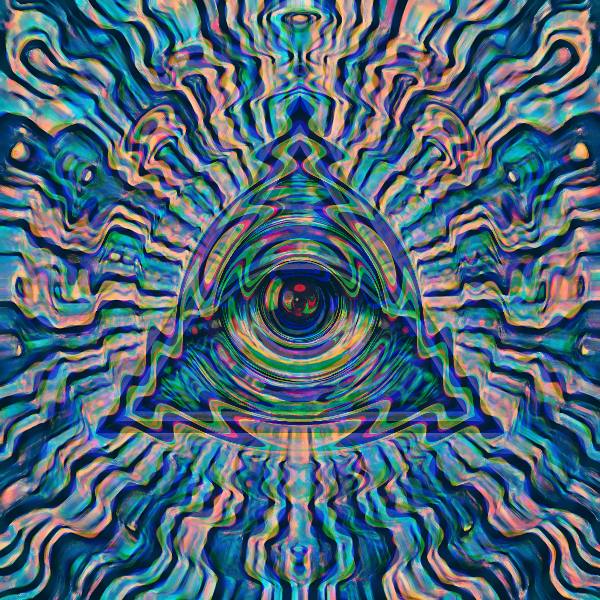
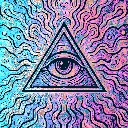
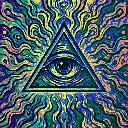
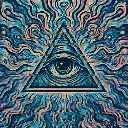
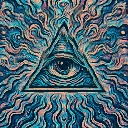
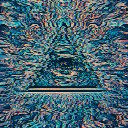
Woofer Ripple is a beat-reactive motion effect in FRCTL, the browser VJ studio. Bass-like circular displacement rings from the frame center.
Runs live on video, images, a camera or generated art. Stack it with any other effect, and route LFOs, envelopes or any of ten audio bands to its controls so it moves with the music.
Rings roll outward from the centre and physically push the picture in and out like a speaker cone, strongest around the middle and fading to nothing toward the edges. Each ring splits red and blue slightly and lays a rainbow tint on its crest. Rings sets the ring count, Warp the push, Blend how much of the warped picture replaces the original.
Using Woofer Ripple
Where it works
The centre-weighted push suits a centred subject: a logo, a face, a DJ at the decks. Unlike Sub Stomp, Kick Rip or Bass Barrel it keeps moving with no routing, so it can hold a loop or slow intro alone.
With the music
It animates by itself but doesn't hear the music. B2 (sub bass) on Warp makes the cone throw harder on held subs, and an Envelope triggered by the audio on Blend drops the ripple in only on hits.
Starting point
Rings a quarter, Warp three-quarters, Blend centre, keeping the subject near the middle where the push is strongest.
Controls
Rings
Radial ring frequency vs intensity.
Warp
Radial displacement amplitude.
Blend
Blend toward the warped sample.
Speed
Rate of the effect motion. Centre is the authored speed, hard left a tenth of it.