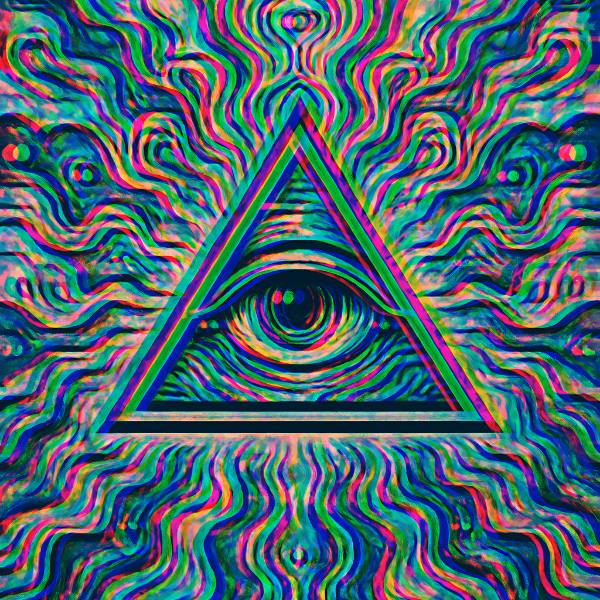
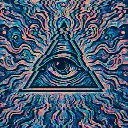
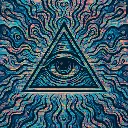
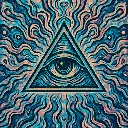
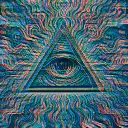
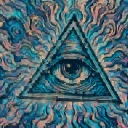
RGB Shift is a glitch video effect in FRCTL, the browser VJ studio. Simple red and blue channel offset.
Runs live on video, images, a camera or generated art. Stack it with any other effect, and route LFOs, envelopes or any of ten audio bands to its controls so it moves with the music.
Red slides one way along the axis and blue the other while green holds still, so every dark line gets a red fringe on one side and a blue one on the other. Red and Blue push their own channel further out, which makes the fringes lopsided. Angle rotates the split through a full turn, and Spread drops green off the line so the three copies form a triangle.
Using RGB Shift
Where it works
Logo stings and cover art that need to read as signal damage without losing the type, since no channel moves more than a few percent of the frame.
With the music
Nothing moves until you route something. B1 (kick) on Shift makes the channels jump apart on each kick, and a slow BPM-synced LFO on Angle walks the split round so the fringes change side every few bars.
Starting point
Shift at a quarter, Red and Blue at centre, Angle hard left, Spread at a quarter, then raise Shift until the eye's outline visibly doubles.
Controls
Shift
Core lateral RGB separation.
Red
Extra red channel offset.
Blue
Extra blue channel offset.
Angle
Direction the channels separate along. Hard left is the horizontal split, and it walks a full turn.
Spread
Fans green off the axis so the channels make a triangle instead of a line.