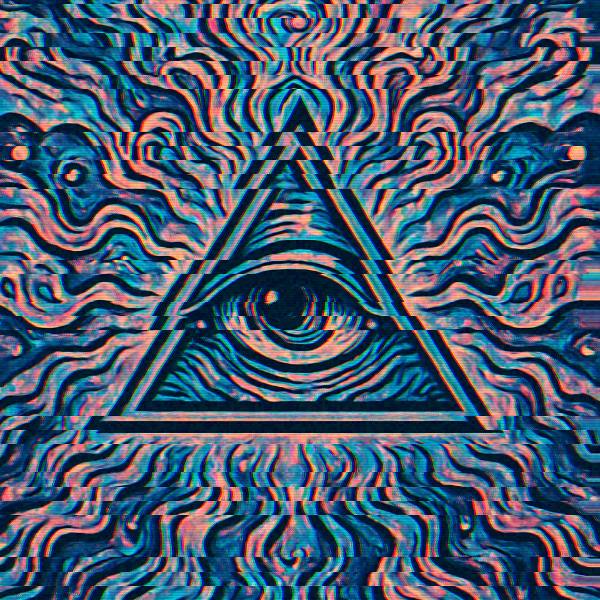
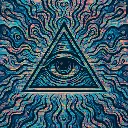
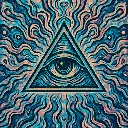
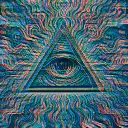
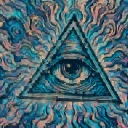
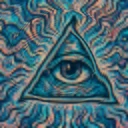
Glitch Blocks is a glitch video effect in FRCTL, the browser VJ studio. Horizontal slice offsets, scanlines, and digital noise.
Runs live on video, images, a camera or generated art. Stack it with any other effect, and route LFOs, envelopes or any of ten audio bands to its controls so it moves with the music.
Cuts the frame into slabs, from 18 up to 72 as Blocks rises, and at default Speed throws a random few of them sideways twelve times a second. Slice sets how far they jump. Detail adds grit and a red and blue fringe on the torn edges, while faint scanlines follow the cuts whatever it's set to. Direction switches between Rows, Columns and Rings that tear outward from the centre.
Using Glitch Blocks
Where it works
Short, hard cuts in a Reel or a logo sting, where a few torn slabs read as a broken signal and most of the frame stays intact. With Slice kept low it also works as quiet texture under a slow intro.
With the music
The tears jitter on their own clock rather than the beat. Put B1 (kick) on Slice so the slabs only jump hard on kicks, and a beat-triggered Envelope on Blocks to snap the cuts finer at each hit.
Starting point
Blocks at a quarter, Slice at centre, Detail at a quarter, Direction on Rows, then push Slice up until the triangle's edges split.
Controls
Blocks
Horizontal block frequency.
Slice
Row slice displacement strength.
Detail
Scanline, noise, and RGB fringe.
Direction
Which way the slices are cut, and which way they slide.
Speed
Rate of the effect motion. Centre is the authored speed, hard left a tenth of it.