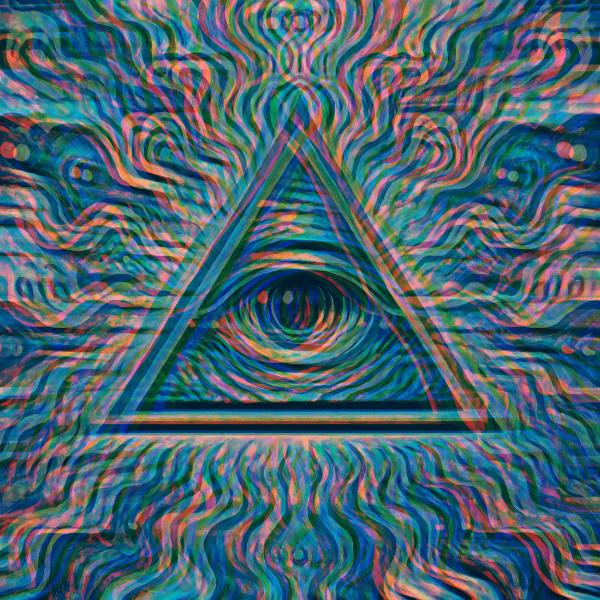
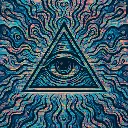
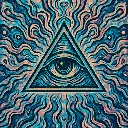
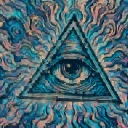
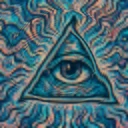
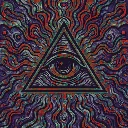
Data Trails is a glitch video effect in FRCTL, the browser VJ studio. Noise-driven directional blur that drags pixels like broken video.
Runs live on video, images, a camera or generated art. Stack it with any other effect, and route LFOs, envelopes or any of ten audio bands to its controls so it moves with the music.
Blurs the picture along one heading, but the heading wobbles about twenty degrees either way and the blur length changes band to band, so the smear breaks into strips instead of reading as motion blur. Red and blue pull in opposite directions along it. Trail sets the length, Split the channel pull, Direction the heading, and Speed how fast the bands drift.
Using Data Trails
Where it works
Works on stills, unlike Datamosh, so it's the one for cover art and logo stings that need a broken-video drag without footage. Live, it covers a build where the picture should look like it's slipping off the screen.
With the music
Try B2 (sub bass) on Trail to stretch the smear with the low end, and B7 (snare) on Split to tear the colours apart on each snare. Nothing in the shader listens to audio by itself.
Starting point
Trail at centre, Split at a quarter, Blend at three-quarters, Direction on Right.
Controls
Trail
Directional smear sample strength.
Split
RGB channel pull along smear direction.
Blend
Effect vs original mix.
Direction
Which way the picture is dragged.
Speed
Rate of the effect motion. Centre is the authored speed, hard left a tenth of it.