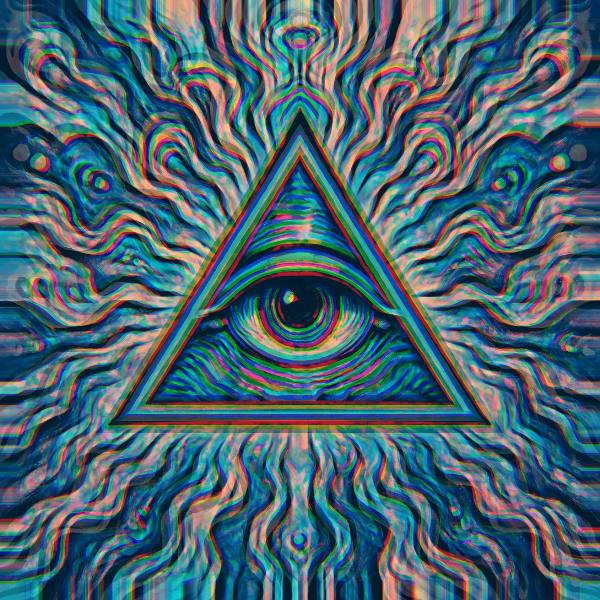
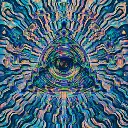
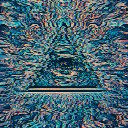
Sub Stomp is a beat-reactive motion effect in FRCTL, the browser VJ studio. Center scale pump and snap overshoot with radial chroma. Map sustain to B2/B3; map snap to B1 for kick hits.
Runs live on video, images, a camera or generated art. Stack it with any other effect, and route LFOs, envelopes or any of ten audio bands to its controls so it moves with the music.
Shrinks the whole frame toward the centre and fringes it red and blue outward from the middle, with border pixels stretched into the gap at the edges. There's no clock: the squash depends only on intensity, so it holds still until something drives it. Pump sets how far it shrinks, Snap how hard it springs back, past full size at the top, and Chroma the fringe.
Using Sub Stomp
Where it works
The camera punch of the bass family: the frame drops back on the sub and snaps forward on the kick, like a zoom on the downbeat. The picture stays whole, so it's safe over a logo or type.
With the music
Nothing moves without routing. B2 (sub bass) on Pump holds the squash through a sub note, and B1 (kick) on Snap adds the spike on each hit.
Starting point
Pump centre, Snap three-quarters, Chroma a quarter, then map B1 to Snap and B2 to Pump.
Controls
Pump
Sub/bass scale squash depth vs intensity.
Snap
Kick overshoot spike; pair with B1 for transients.