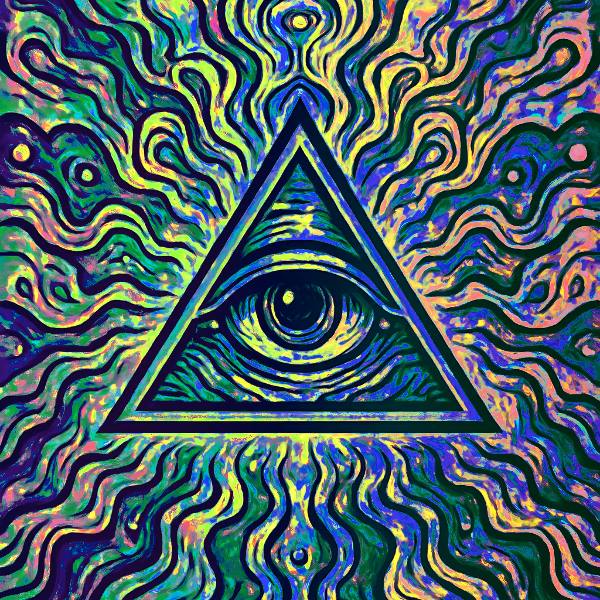
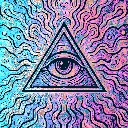
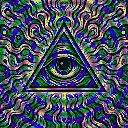
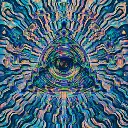
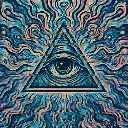
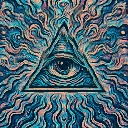
Chroma Breathing is a beat-reactive motion effect in FRCTL, the browser VJ studio. Luminance-driven sine waves pulse through hue and saturation, on the source hue or on a palette of its own.
Runs live on video, images, a camera or generated art. Stack it with any other effect, and route LFOs, envelopes or any of ten audio bands to its controls so it moves with the music.
Swings hue and lifts saturation and brightness on a sine that cycles about every three seconds, its phase scattered by brightness so colour ripples through the tones. Palette on Shift turns the existing colours, while Split, Prism and Bands assign hue from brightness, so grey footage comes back coloured. Hue sets the swing, past a full turn at hard right, and Spread hard left makes the frame breathe as one.
Using Chroma Breathing
Where it works
Recolours a picture without moving a pixel, so a logo or cover keeps its shape while its palette cycles. Bands over a greyscale photo gives flat poster colour, handy for a loop in a pack.
With the music
The breath keeps its own three-second clock and ignores the tempo. B2 (sub bass) on Value flashes brightness with the low end, and an LFO synced to the bar on Tint walks the whole palette round the wheel.
Starting point
Palette on Prism, Tint at the brand colour, Spread a quarter, Hue centre, Saturation three-quarters.
Controls
Hue
How far the hue travels each breath. Centre is the authored swing, hard right a full turn of the wheel.
Saturation
Breathing saturation boost.
Value
Brightness pulse on value channel.
Palette
Shift rotates the hue already in the frame. The other three assign it from brightness instead, so a grey source comes back in full chroma.
Tint
Hue the palette is anchored to, and a standing offset under the Shift rotation.
Spread
How far the breath scatters across the frame. Hard left is one breath the whole image shares.
Direction
Which way the breath travels across the frame.
Speed
Rate of the effect motion. Centre is the authored speed, hard left a tenth of it.