Skip to content

Pulse & motion effect

Delay

Delay is a beat-reactive motion effect in FRCTL, the browser VJ studio. Motion outlines and delayed previous-frame compositing for stacked effects.

Runs live on video, images, a camera or generated art. Stack it with any other effect, and route LFOs, envelopes or any of ten audio bands to its controls so it moves with the music.

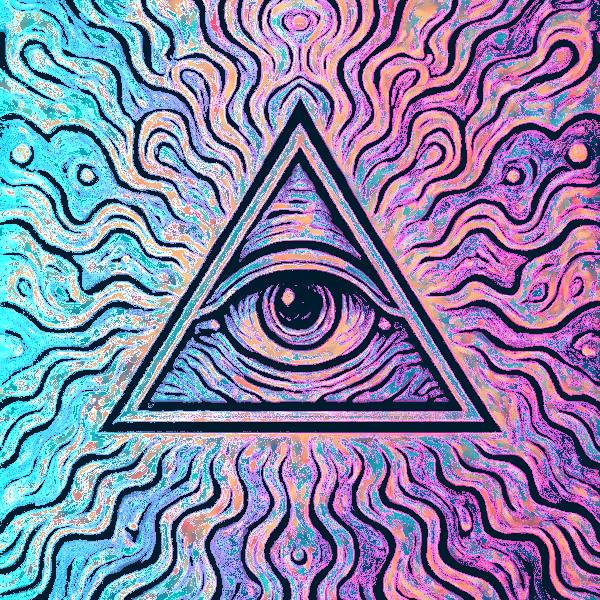
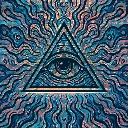
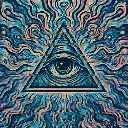
The untouched demo art: an eye inside a triangle over wavy teal, blue and peach lines
Source
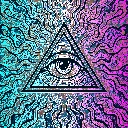
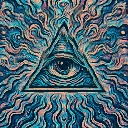
The eye-in-triangle art washed in pastel, cyan on the left fading to pink and violet on the right
Delay, default settings

What Delay does

Mixes the previous frame back in wherever the picture changes, dragged a little along its brightness so moving shapes leave a smeared echo. Changing edges pick up an outline that ramps cyan to magenta across the frame. Because that colour feeds back too, even a still settles into a pastel wash. Smear sets the drag, Trail blends in the undragged echo, Outline the accent.

Using Delay

Where it works
Built for footage and chains that already move: dancers, a camera feed, a tunnel earlier in the stack. The echo stretches each motion across a few frames, which smooths a choppy loop and gives a Reel its after-image.
With the music
The shader runs on frame difference, not the music. Put B8 (hats) on Outline so the cyan and magenta edges flicker with the hi-hats, and an Envelope triggered by the beat on Smear to stretch the echo on every beat.
Starting point
Smear centre, Trail a quarter, Outline three-quarters, Direction on Right, over a clip with a clearly moving subject.

Controls

Smear
Flow-based feedback smear distance.
Trail
Sharpen vs soften delayed feedback blend.
Outline
Motion-edge accent strength.
Direction
Which way the outline colour runs across the frame.

Pairs well with Delay