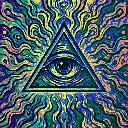
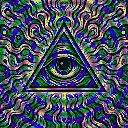
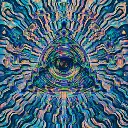
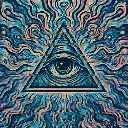
Motion Ink is a beat-reactive motion effect in FRCTL, the browser VJ studio. Ink laid down where the picture moves, then carried along the motion itself.
Runs live on video, images, a camera or generated art. Stack it with any other effect, and route LFOs, envelopes or any of ten audio bands to its controls so it moves with the music.
Lays coloured ink wherever the picture moves, then carries it along the motion frame by frame, so trails flow behind moving shapes and fade out. The ink adds on top of the picture, so busy areas wash toward the trail colour. Ink sets how much goes down, Persist how long it lasts, Drift how far it travels, Hue its colour, Bloom its glow.
Using Motion Ink
Where it works
Draws light-painting paths behind dancers, hands on the decks or a spinning prop with no keyframing. A long Persist on a camera feed turns a crowd into streams of colour for a closing track.
With the music
Movement lays the ink, not the audio. A slow LFO on Hue drifts the trail colour through a phrase, and B8 (hats) on Bloom makes the trails glow with the hi-hats.
Starting point
Ink centre, Persist three-quarters, Drift centre, Bloom a quarter, Hue at the set's accent colour, Sense centre.
Controls
Persist
How long a trail survives after the motion that made it.
Drift
How far the ink is carried along the vectors each frame.