Skip to content

Pulse & motion effect

Flow Viz

Flow Viz is a beat-reactive motion effect in FRCTL, the browser VJ studio. The measured motion field itself, direction as hue and speed as value.

Runs live on video, images, a camera or generated art. Stack it with any other effect, and route LFOs, envelopes or any of ten audio bands to its controls so it moves with the music.

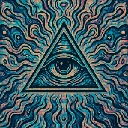
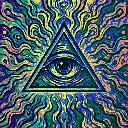
The untouched demo art: an eye inside a triangle over wavy teal, blue and peach lines
Source
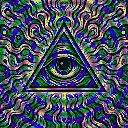
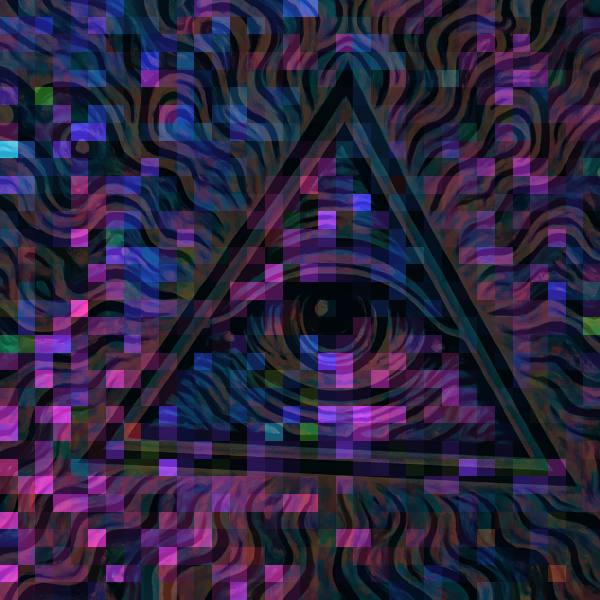
The eye-in-triangle art darkened under a mosaic of purple, magenta and blue blocks marking motion
Flow Viz, default settings

What Flow Viz does

Replaces the picture with its own measured motion: hue shows which way each area moved, brightness how fast. Still areas go black, so the source only shows faintly. At default the field snaps to blocks and reads as a coloured mosaic. Grid sets block size, Gain lifts slow motion into view, Palette hard left drops hue for plain speed, Blend keeps the source underneath.

Using Flow Viz

Where it works
Needs moving footage or a camera. It turns dancers or a crowd into a data-art mosaic for a tech-leaning set, and shows exactly what the other motion effects will respond to before you commit to one.
With the music
The field comes from the picture, not the audio. B6 (upper mids) on Gain makes quieter movement light up with the leads, and a synced LFO on Blend fades the source in and out across a bar.
Starting point
Grid centre, Gain three-quarters, Palette hard right, Blend a quarter, Sense centre, over footage with one clear moving subject.

Controls

Blend
How much of the picture survives under the field. Zero is the field alone.
Gain
Speed-to-brightness curve. Raise it to see slow motion.
Grid
Quantize the field onto blocks. Zero reads it per pixel.
Palette
Monochrome speed at zero, direction-as-hue at one.
Sense
How little texture counts as motion worth measuring.

Pairs well with Flow Viz